The Most Important eCommerce Decision
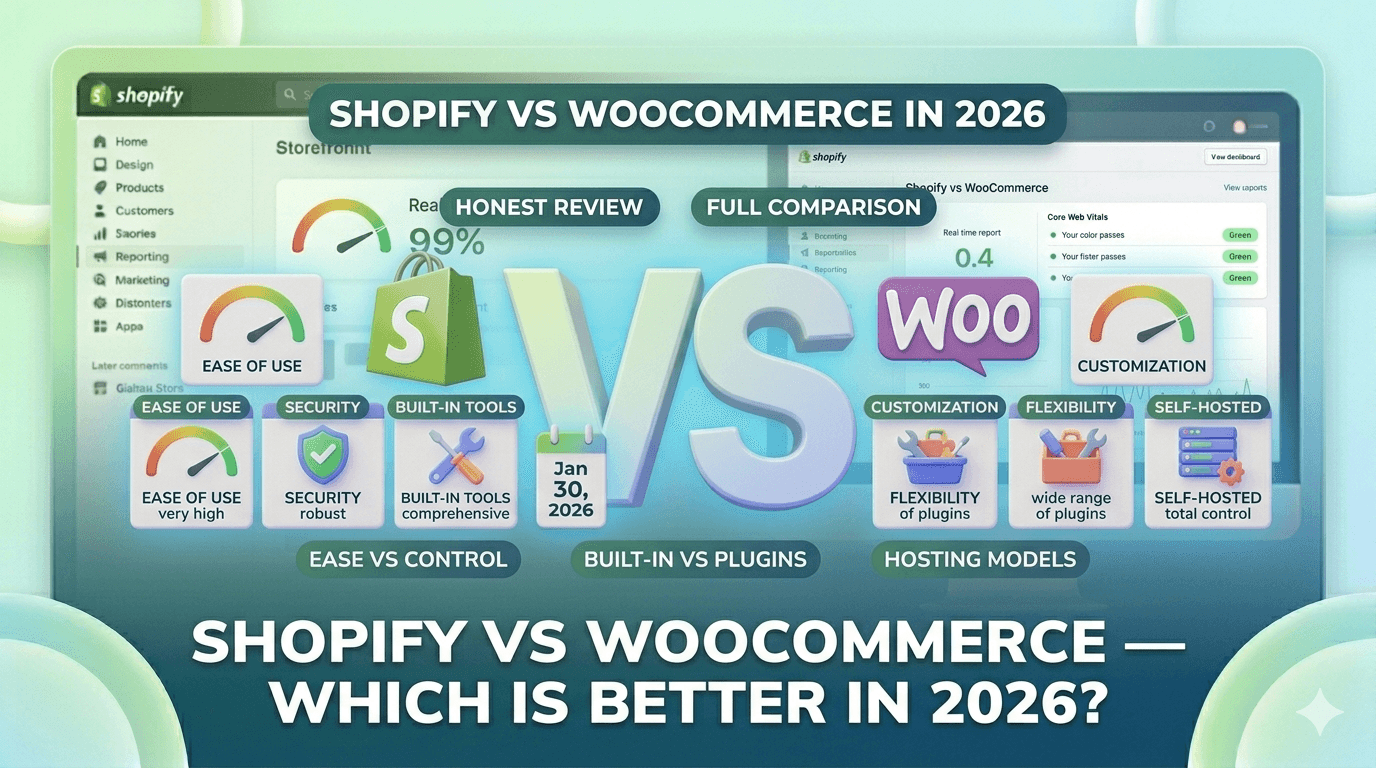
Shopify vs WooCommerce is the most debated topic in ecommerce. Both are excellent platforms used by millions of stores worldwide, but they are built on completely different philosophies — and choosing the wrong one for your situation can cost you years of frustration and thousands of dollars.
I have built stores on both platforms professionally. This comparison is based on real experience, not marketing materials.
The Fundamental Difference
- Shopify is a hosted, all-in-one platform. You pay a monthly fee and Shopify handles hosting, security, updates, and infrastructure. You focus on selling.
- WooCommerce is a free, open-source WordPress plugin. You own and control everything, but you are also responsible for everything — hosting, security, updates, backups, performance.
Pricing — The Real Cost Comparison
Shopify Costs
- Basic plan: $39/month (2024 pricing)
- Shopify plan: $105/month
- Advanced plan: $399/month
- Transaction fees: 0.5-2% (waived if using Shopify Payments)
- Apps: typically $50-200/month for essential apps
- Realistic monthly cost for a small store: $80-200/month
WooCommerce Costs
- WooCommerce plugin: Free
- WordPress hosting: $10-50/month (varies widely by provider)
- SSL certificate: Free (included with most hosts)
- Premium theme: $50-100 (one-time)
- Essential plugins: $100-300/year (payment gateways, SEO, backup, security)
- Developer maintenance: $50-200/month if you hire someone
- Realistic monthly cost for a small store: $50-150/month
WooCommerce appears cheaper on paper, but the hidden costs of your time, maintenance, and eventual developer fees often make it more expensive in practice.
Ease of Use
Shopify
Shopify wins this category decisively. You can have a professional store live in an afternoon with no technical knowledge. The dashboard is intuitive, and everything from adding products to setting up shipping is guided.
Learning curve: Low. Most beginners can manage their store independently within a week.
WooCommerce
WooCommerce requires you to first understand WordPress — themes, plugins, widgets, menus, and the WordPress admin interface. Then you layer WooCommerce on top. Setting up WooCommerce correctly (with proper hosting, caching, security, and payment gateways) typically requires either technical knowledge or a developer.
Learning curve: High. Expect several weeks before you're fully comfortable managing everything.
Design and Themes
Shopify
- 13 free themes, 100+ premium themes ($180-350)
- All themes are mobile-optimized and speed-tested by Shopify
- Drag-and-drop theme editor (no coding required)
- Online Store 2.0 enables section-everywhere customization
WooCommerce
- Access to the entire WordPress theme ecosystem (thousands of themes)
- Free themes like Storefront, Astra, and Kadence are excellent
- Page builders like Elementor give you extreme design flexibility
- Quality varies enormously — many WooCommerce themes are slow or poorly coded
Winner: WooCommerce for design flexibility, Shopify for reliability and ease.
Apps and Plugins
Shopify App Store
- 8,000+ apps purpose-built for ecommerce
- All apps are reviewed by Shopify
- Easy one-click installation
- Apps are generally more expensive ($10-50/month each)
WooCommerce Plugins
- Access to 60,000+ WordPress plugins
- Many powerful ecommerce plugins are free or low one-time cost
- Quality control is lower — some plugins conflict with each other
- Plugin conflicts can break your store and are your responsibility to fix
Winner: WooCommerce for variety and cost, Shopify for reliability.
Payment Processing
Shopify
- Shopify Payments (powered by Stripe): 2.9% + 30¢ per transaction on Basic plan
- 100+ third-party payment gateways supported
- Transaction fees (0.5-2%) apply if you use a third-party gateway
- Shopify Payments not available in all countries
WooCommerce
- No transaction fees from WooCommerce itself
- Supports every major payment gateway
- You pay only the payment processor's standard fees (Stripe: 2.9% + 30¢)
- More flexibility for high-volume stores
Winner: WooCommerce for payment flexibility and no transaction fees.
SEO Capabilities
Shopify
Shopify has solid built-in SEO but some limitations:
- URL structure is fixed (cannot remove /products/ or /collections/)
- Duplicate content from collection URLs
- Good meta title/description editing on all pages
- Automatic sitemaps
WooCommerce
With the Yoast SEO or RankMath plugin, WooCommerce gives you total SEO control:
- Full URL control
- Complete control over all meta data
- Advanced schema markup
- Redirect management
Winner: WooCommerce for SEO power users, Shopify for beginners who need things to just work.
Scalability
Shopify
Shopify scales automatically. Whether you get 10 orders a day or 10,000, the infrastructure handles it. Shopify Plus (enterprise) is used by major brands like Kylie Cosmetics, Gymshark, and Fashion Nova.
WooCommerce
WooCommerce can scale, but it requires investment in infrastructure. As traffic grows, you need better hosting, caching, a CDN, and possibly a developer to optimize database queries.
Winner: Shopify for hands-off scalability.
Who Should Choose Shopify?
- Beginners with no technical background
- Store owners who want to focus on products, not technology
- Dropshipping businesses
- Stores expecting rapid growth
- Anyone who values reliability over flexibility
Who Should Choose WooCommerce?
- Developers or technical users who want full control
- Stores already using WordPress for content
- Businesses with complex, custom requirements
- High-volume stores wanting to minimize transaction fees
- SEO-heavy businesses wanting complete URL and technical SEO control
The Verdict
For most people starting their first online store in 2026, Shopify is the better choice. It is faster to launch, easier to manage, and more reliable. The monthly cost is higher, but you get your time back — which is worth far more.
Choose WooCommerce if you are already comfortable with WordPress, have a developer on hand, or have specific technical requirements that Shopify cannot meet.
The best platform is the one you will actually use to consistently grow your store. A mediocre store on Shopify that you actively market will always outperform a perfect WooCommerce setup that you neglect.